

iPhone dropped in water: mistakes that kill your phone
iPhone in the pool, in the toilet or in the rain: Thomas lists the classic mistakes that turn repairable water damage into total breakage.
iPhone in the pool. iPhone in the toilet. An iPhone in the sink while washing dishes. We receive around ten of these a month in our stores, and in 7 out of 10 cases, the damage could have been much less serious if the customer had known what to do - and above all what to avoid - in the first few minutes.
Recent iPhones have IP68 certification, designed to withstand 6 meters for 30 minutes. But this certification has limits that people forget: it applies to clear water at zero pressure, seals age, and a 3-year-old iPhone that has lived in a shell no longer has the same guarantees as a new device. Here's the rub: IP68 certification is not all-risk insurance.
Here are the mistakes I see again and again, and the right reflexes to adopt if it happens to you.
What happens in the first few seconds of a wet iPhone
Water in itself is not destructive to electronics. The problem is electricity and water together. If the iPhone is switched on and water comes into contact with live circuits, it creates immediate micro-shorts. This is where the breakage occurs - not during drying, not afterwards.
The water penetrates through connectors, speaker grilles, Power button seals, and sometimes through micro-cracks in the glass that weren't even visible before. Once inside, it spreads to the motherboard by capillary action. The longer the phone is powered up, the more the damage progresses.
Error n°1 - Switch on immediately to check
It''s the most natural and dangerous instinct. "I just want to know if it still works. If the iPhone has shut down in water, leaving it off means keeping it in the least dangerous state. Turning it back on means circulating current through potentially wet circuits.
If the iPhone is still on after the shock, don't handle it too much. Switch it off as soon as possible and keep it switched off. Resist the urge to test functions one by one. Every second the power is on with moisture inside increases the risk of permanent oxidation.
Mistake n°2 - Putting it in rice
The rice myth holds true. Rice absorbs moisture from the air - not the liquid water between the electronic components. A customer came to see me after leaving his iPhone 13 in rice for 72 hours. The rice was slightly damp. So was the inside of the phone. And the oxidation had progressed for 3 days.
What rice really does: it creates a slightly dehydrated environment around the phone. What it doesn''t do: extract the water that has already infiltrated between the chips and the motherboard connectors. Worse still, rice grains can block the holes in the charging connector.
Error no. 3 - Loading to "test if it works
Related articles
 Tutos
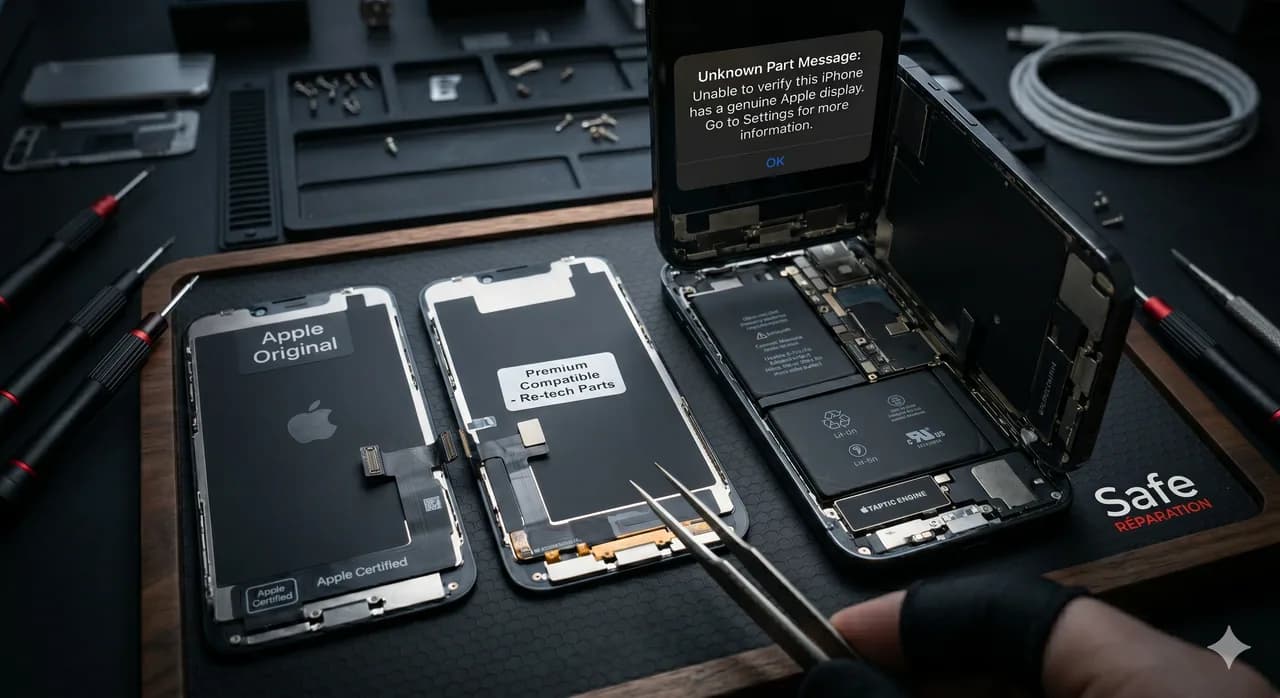
TutosiPhone repair: original vs compatible parts, which to choose?
Original Apple parts or compatible ones to repair your iPhone? We explain the differences, advantages and disadvantages of each option.
 Tutos
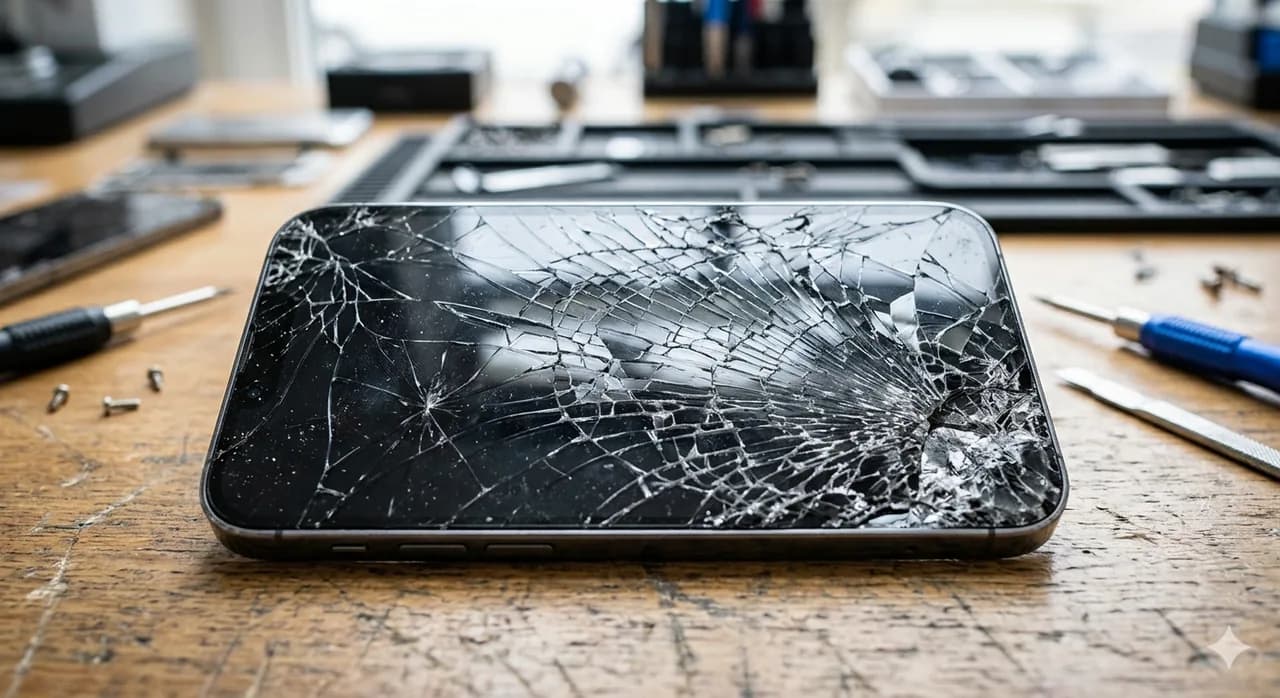
TutosBroken iPhone screen: what to do? Complete guide 2026
Is your iPhone screen broken? Discover the steps to follow, repair options and prices by model. Complete guide by Safe Réparation.
 Tutos
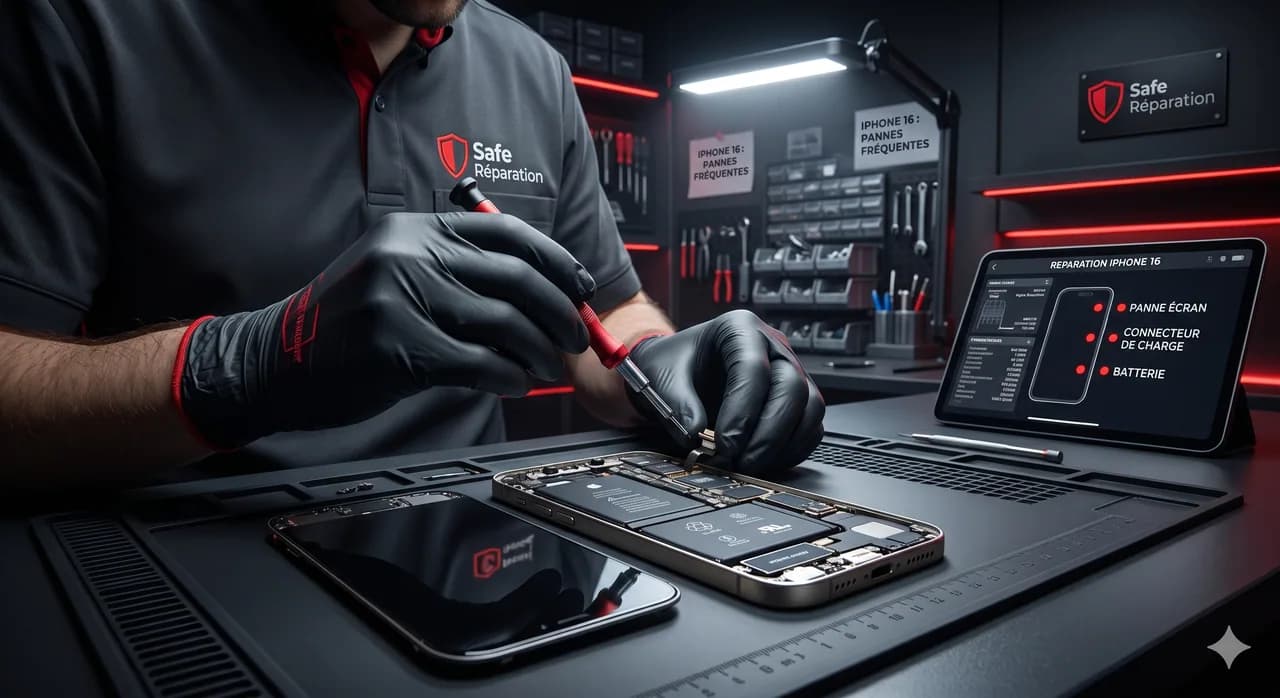
TutosiPhone 16: the most common breakdowns and how to avoid them
Discover the most common iPhone 16 breakdowns and our tips to prevent them. Screen, battery, USB-C connector: everything you need to know.
Stay informed with The Safe Mag
Tutorials, deals and tech news straight to your inbox. No spam, promise.